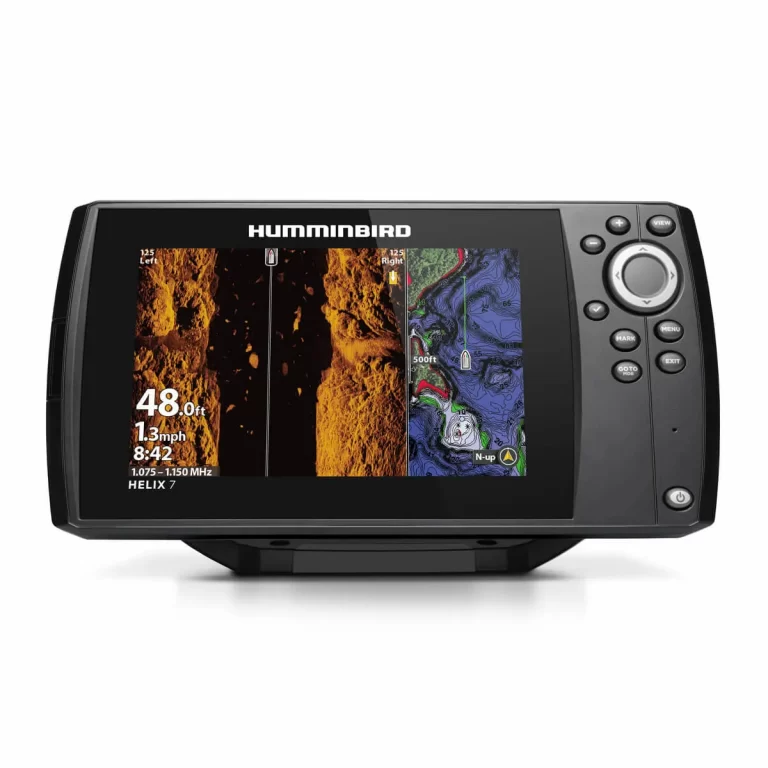
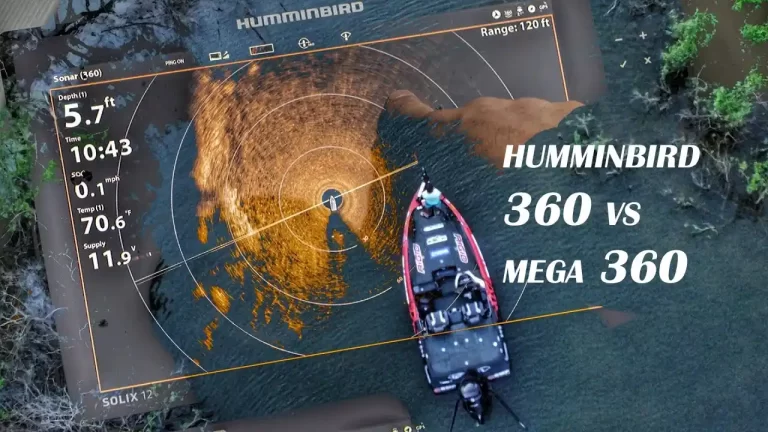
Review of the Humminbird FishSmart app And ChartSelect
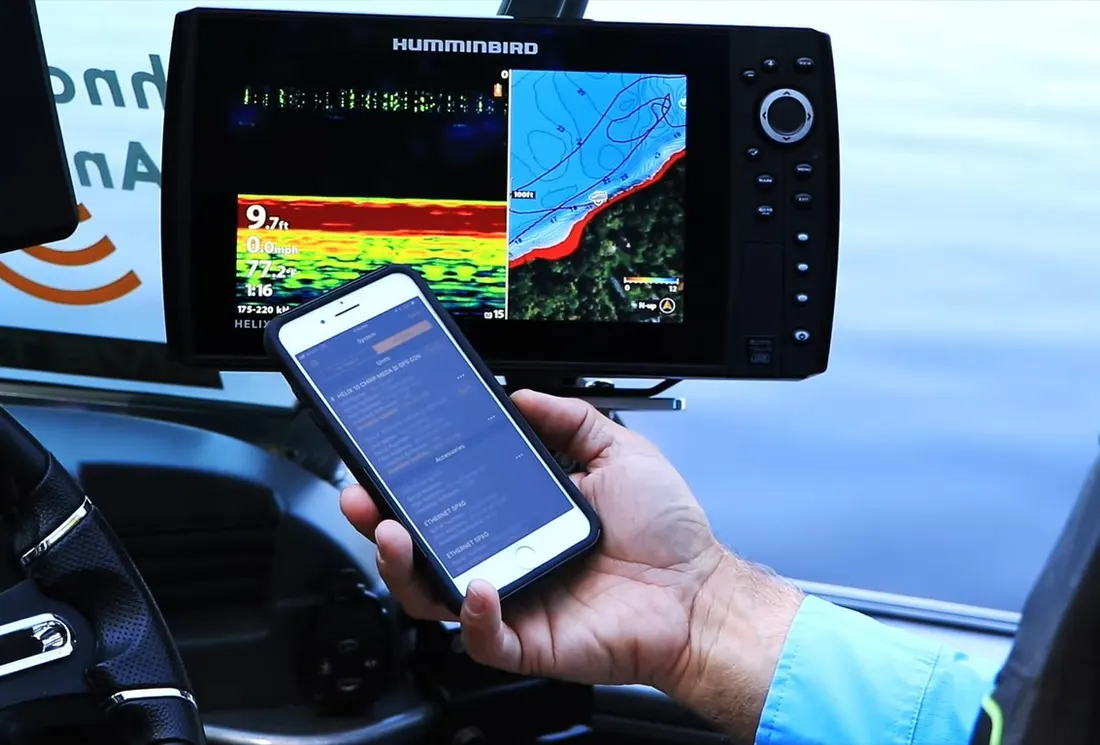
The Humminbird FishSmart app is a free mobile app that allows anglers to access and purchase Humminbird LakeMaster and Navionics maps, and manage their Humminbird products. The app also includes a social hub, allowing anglers to share their fishing stories and photos with other anglers. The ChartSelect feature within the app allows anglers to purchase digital maps and charts for their Humminbird products. Anglers can search for and purchase high-definition lake maps and coastal charts, create waypoints and more.
FishSmart is Humminbird’s latest mobile application, which was only just made available for iOS and Andriod smartphones. Because of this function, you may access your ChartSelect maps using your mobile device and even purchase brand-new ones. It is wonderful that we now have a second option for the mapping software that we use on our mobile devices, particularly given that Navionics has been the industry standard for quite some time.
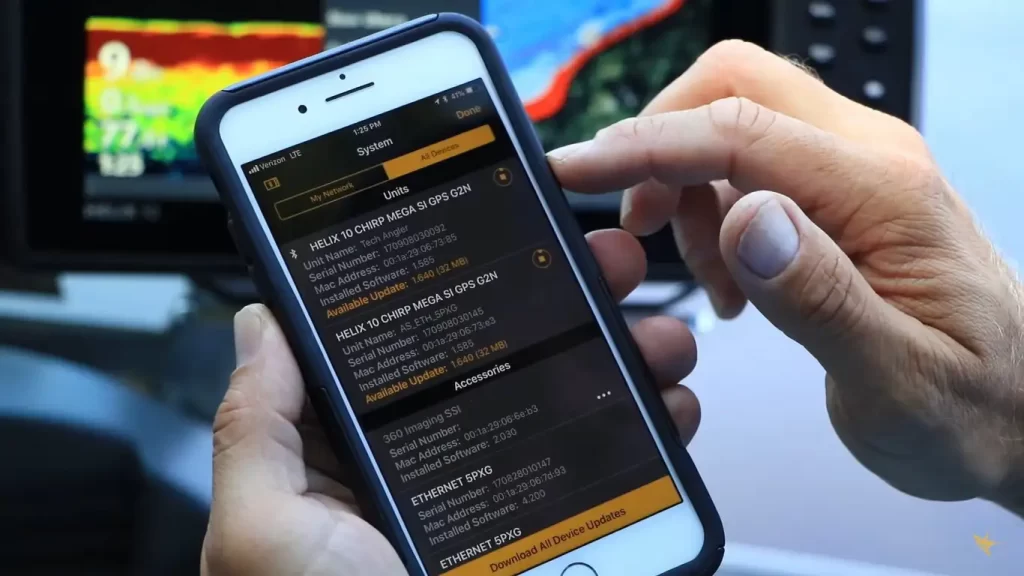
FishSmart may be downloaded for free, but to use it, you will need to either purchase a map or download all of your previous Humminbird ChartSelect maps. In comparison, the one-time cost of purchasing Navionics is only $49.99, and it comes with all of the US maps. It is wonderful that anglers may now examine LakeMaster maps while they are not in the boat because these maps usually have a far greater degree of information than Navionics and frequently have some of the best detail that is currently available.
ChartSelect
You will need to sign up for a ChartSelect Humminbird account before using Humminbird FishSmart app if you want to get the most out of it. Your current account with Humminbird will not be combined with this one. After verifying your account using the activation email that was sent to you, you will be able to log in and start browsing lake maps.
To purchase a map, go to the Store and then select LakeMaster. Simply enter the name of your lake into the search box or make use of the map to locate it after you’ve arrived at this page. When you locate the red pin and click on it, the options for the layers will show on the right side of the screen. The many sorts of strata are discussed more below (some lakes have more options than others).
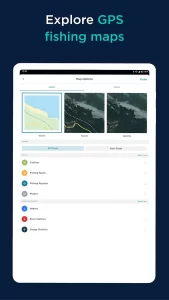
- HD Contours: Humminbird devices have the same LakeMaster contour maps that you’re used to seeing.
- SmartStrike: On devices with SmartStrike capability, the SmartStrike function is added.
- Satellite imagery: of the surroundings is included in the aerial photographs. When numerous years are available, it can be helpful if your lake has large changes in water level.
- 2D Shaded Relief: The lake contours take on a more three-dimensional aspect thanks to this style of relief map. Take a peek at the thumbnail on the right for an illustration.
- Topographic: There is information presented on elevation changes. It is possible to make out the existence of natural features such as marshes and creeks, in addition to elevation variations close to the water such as points and bluffs.
At this time, not all layers are compatible with all unit types. They assert that this capability will be introduced very shortly. At this time, the HD Contour and SmartStrike layers are the only ones that are compatible with all Helix and Onix devices, while the topographic and aerial layers are the only ones that are compatible with the Helix G2N models.
What I can tell, Humminbird FishSmart app does not provide access to any other layers save the HD Contour ones. Because the software already comes with a satellite layer, there is no need for you to make a separate purchase of the aerial layers. On the other hand, it is not impossible to imagine that future revisions to the software may include more stages.
After you have completed all of the required purchases, it is time to download the layers onto an SD card so that they may be used with your Humminbird device. Once you have made the purchase, proceed to follow the instructions. They are seen here and are extremely distinct one another. Older devices are limited to being able to handle only one ChartSelect map per encrypted SD card, however, newer units allow “Multilayer” and can store numerous maps on a single card. As is customary, there is a possibility that in the future there may be upgrades that add additional units to support various maps.
FishSmart App
There are two distinct ways that you may incorporate maps into your FishSmart software. You can either link your app to your ChartSelect account by going to Settings > Login > Link to ChartSelect or you may buy and download items directly the app by heading to Settings > Login > Link to ChartSelect. To access your maps, navigate to Maps > Owned and then tap the Download symbol in the upper right.
After the download is complete, navigate back to Maps, then press the lake you wish to view, and a checkmark will show next to it. This action will bring up the Contour map on the screen. The way the map works on a Humminbird device is the same as how it does. You may choose a water level offset, emphasize a depth range, and show shallow water in the Settings > Map Options menu. All of these features are customizable.


Simply add a new waypoint by dropping a pin on the screen after giving it a lengthy press. You can make changes to the waypoint names, and you can export each waypoint as an a.gpx file to transfer to a Humminbird device.
Conclusion:
In all, I believe that the FishSmart app review is a superb complement to the product mapping options offered by Humminbird. It was just made available for download, although the only layers available right now are HD contours. If you have a LakeMaster card, I think you should be able to download maps for the entire area if you want to. Because the cards are expensive, to begin with, it would be convenient to be able to study them when you are away the lake or while fishing using friend’s boat, all the convenience of your smartphone or tablet computer.
FishSmart is now fantastic for use with the waters surrounding your house, but if you visit several lakes, you’ll want to use it in conjunction with the Navionics app, which covers more waterways than FishSmart does. FishSmart is now wonderful for use with the waters around your home. If you’ve previously spent money on a chart through ChartSelect, the FishSmart app is an absolute need.